.svg)


To connect a patient's LibreLink or Libre 3 app to their family or caregiver's LibreLinkUp app, there are steps to take on each app.
LibreLinkUp
Keep patients connectedǁ with the LibreLinkUp app.§
LibreLinkUp is an app that allows family, friends, and caregivers to share in your patients' diabetes journey and help them support their progress


How it works
How the LibreLinkUp app works for your patients' family members and caregivers
Download the app
Your patients’ family and caregivers can download LibreLinkUp for free:



Connect with loved-ones
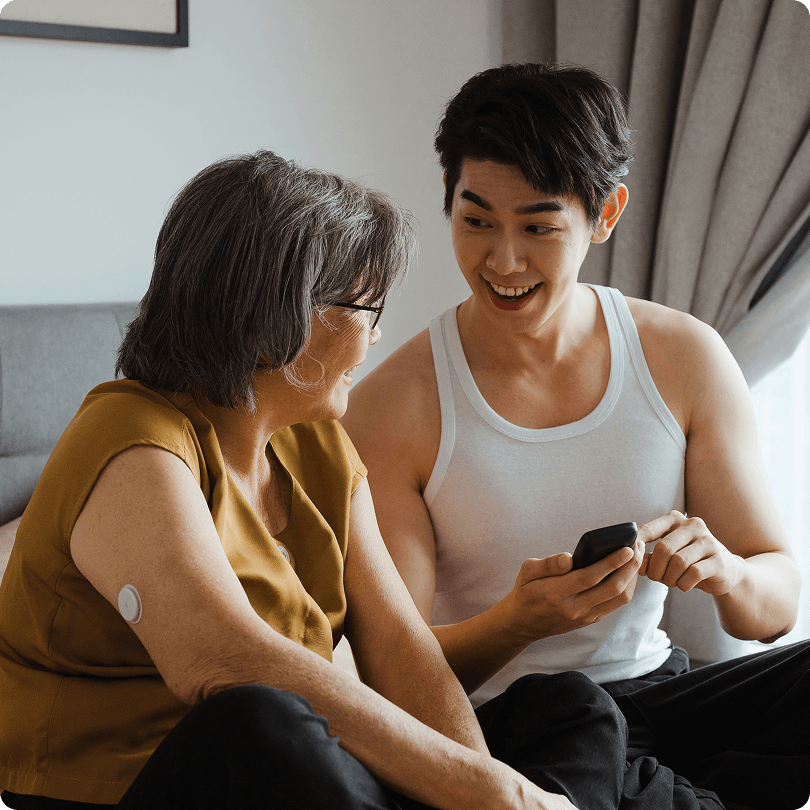
Patients using a LibreLink app◊ or Libre 3 app◊◊ can connect with up to 20 family members and caregivers using LibreLinkUp§

Get real-time readings
Family and caregivers can see their loved-one's real-time glucose information on the LibreLinkUp app.ǁ

Set customisable alarms
Family and caregivers can set their own glucose alarm and recieve alarm notifications in real-time.ǁ
Features & benefits
Your patients can easily shareǁ their diabetes progress with those who care.
The LibreLinkUp app§ provides a simple, safe, and secure1 way for your patients to shareǁ their real-time glucose readings with others. It gives them added peace of mind2 knowing they can support your patients better.
- Patients can shareǁ real-time glucose readings with up to 20 family members, friends, or caregivers
- Once connected, caregivers can remotely monitor glucose levels and receive updates automaticallyǁ
- Family members§ get customisable alarmsǁ to help alert when glucose levels are too high or too low
- Free and compatible with LibreLink app◊ and Libre 3 app◊◊

How to Connect
Connect on the LibreLink or Libre 3 app
For the person wearing a Libre 2 Plus, Libre 3 or Libre 3 Plus sensor that wants to share their glucose information with carers, family or friends.
To invite someone to see your patient's glucose readings, open your LibreLink app or Libre 3 app then:
- Open the Navigation Menu. From any screen, tap the "three lines" icon in the top-left corner.
- Tap Share or Connected Apps.
- Tap Connect or Manage in LibreLinkUp.
- Tap Add Connection.
- Enter Connection information. Enter the name and email address of the person that you want to share your patient's glucose readings with.
- Tap Add.
Your patients can share their glucose readings from the LibreLink and Libre 3 app with up to 20 family members and friends.
Connect on the LibreLinkUp App
For the family member or friend who wants to receive glucose information
After you receive a connection invitation email from a LibreLink app or Libre 3 app user, click on the link in the email to download the LibreLinkUp app from the app store (if you don’t already have the app installed). After installing the LibreLinkUp app, follow the prompts to create an account and connect:
- Tap Get Started Now on the welcome screen.
- Review and accept the End User Licence Agreement and Privacy Notice.
- Create an account. Enter your country/region of residence, name, email address and preferred password.
- Go to your email inbox to verify your account and complete setup.
- After you have set up your account, you will see a notification telling you that LibreLink or Libre 3 app user would like to share their glucose readings with you. Press Accept.
You will now receive glucose information in the LibreLinkUp app. You do not need to have the LibreLinkUp app running to receive notifications from your connections. You can connect with up to 20 LibreLink app or Libre 3 app users to see their glucose readings.
Having Trouble?
If you successfully installed LibreLinkUp and set up your account, but do not see a notification from the LibreLink or Libre 3 app user, make sure that your phone has an active Internet connection (Wi-Fi or mobile) and your phone settings allow you to receive notifications.
If you still do not see an invitation and you know that the invitation was sent, ask the LibreLink app or Libre 3 user who invited you to send a new invitation to the email address that you used when installed LibreLinkUp.
FAQs
Find answers to frequently asked questions about the LibreLinkUp updates
What are the updates?
LibreLinkUp app§ 5.0 delivers:
- A redesigned interface with new logo and consistent branding across Libre apps◊,◊◊.
- Bottom-bar navigation for easier access to features.
- Updated glucose screen formatting for improved readability.
How do I get access to the new LibreLinkUp app?
No separate download is required. If automatic updates are enabled, LibreLinkUp app§ 5.0 will update on your device automatically.
What changes have been made to the home screen of LibreLinkUp app 5.0?
The home screen of the LibreLinkUp app§ now features:
- Bottom-bar navigation for consistency with the Libre app
- Updated glucose screen design for better clarity
Any changes to the logbook of the LibreLinkUp app?
LibreLinkUp app§ 5.0 introduces a new date picker in the logbook, allowing users to select and review specific days.
Will my existing connections and data be affected?
No. All existing connections and historical data remain intact after the update.
Compatible Products

LibreLink App
Real-time glucose readings from the Libre 2 Plus sensor are automatically^ updated every minute and sent directly to the LibreLink app◊ on your patients' smartphones.

Libre 3 App
Real-time glucose readings from the Libre 3 Plus sensor are automatically updated every minute and sent directly to the Libre 3 app◊◊ on your patients' smartphones.

Compatible
smartphones
The Libre apps are only compatible with certain smartphones and operating systems. To find out if your patient’s phone is compatible, read our smartphone compatibility guide.
References & Disclaimers
Images are for illustrative purposes only. Not real patient or data.
1. LibreView is ISO27001/27018/27701 certified and HITRUST CSF Certified.
2. Hilliard, M., et al. Diabetes Technology & Therapeutics. (2019). https://doi.org/10.1089/dia.2019.0142.
◊ The FreeStyle LibreLink app is only compatible with certain mobile devices and operating systems. Please check the website for more information about device compatibility before using the app. Sharing of glucose data requires registration with LibreView.
◊◊ The FreeStyle Libre 3 app works with the FreeStyle Libre 3 and FreeStyle Libre 3 Plus sensors. The FreeStyle Libre 3 app is only compatible with certain mobile devices and operating systems. Please check our website for more information about device compatibility before using the app. Sharing of glucose data requires registration with LibreView.
§ The LibreLinkUp app is only compatible with certain mobile devices and operating systems. Please check www.librelinkup.com for more information about device compatibility before using the app. Use of LibreLinkUp requires registration with LibreView. The LibreLinkUp mobile app is not intended to be a primary glucose monitor: home users must consult their primary device(s) and consult a healthcare professional before making any medical interpretation and therapy adjustments from the information provided by the app.
ǁ The user’s device must have internet connectivity for glucose data to automatically upload to LibreView and to transfer to connected LibreLinkUp app users.
Ѱ For children aged 4-12 using the FreeStyle Libre 2 sensor or for children aged 2-12 using the FreeStyle Libre 2 Plus sensor, a caregiver at least 18 years old is responsible for supervising, managing, and assisting them in using the FreeStyle Libre system and interpreting its readings.
^ Glucose readings are automatically displayed in the FreeStyle LibreLink app only when your patient's smartphone and sensor are connected and in range.
ADC-2641735 v8.0

